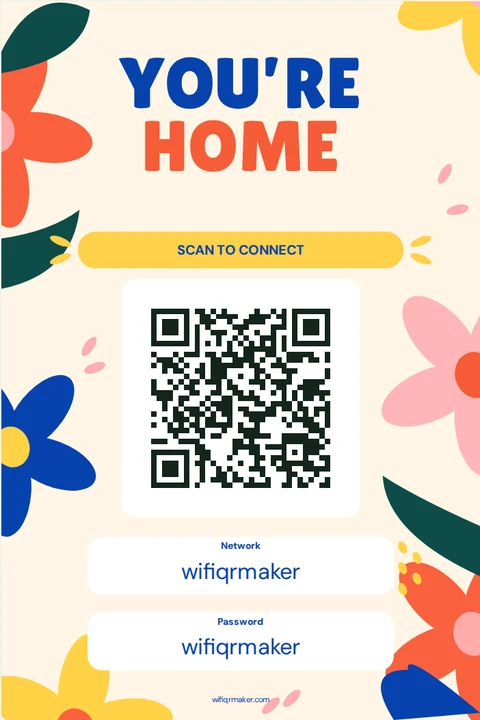
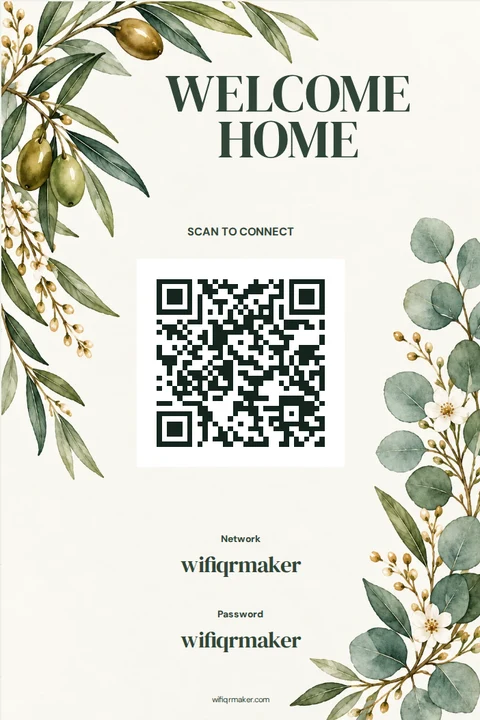
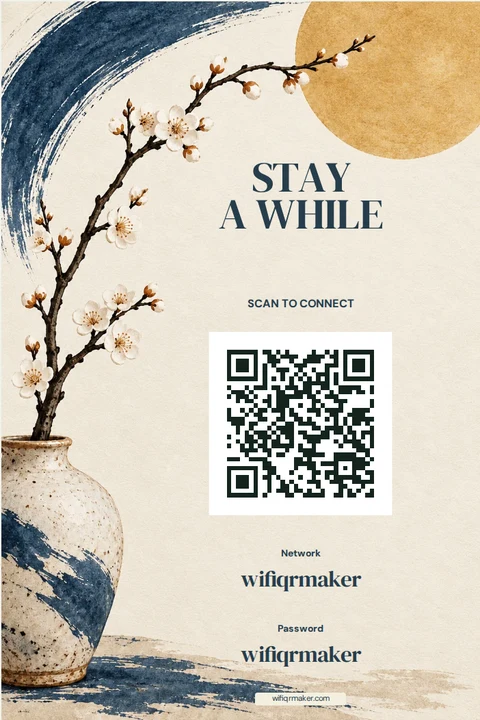
Create a free printable Wi-Fi password sign for your home. A quiet, framed design keeps guest-network details close at hand without another password conversation.
Free. No sign-up.Made in your browser.Ready to print.
01Your Wi-Fi details
Just two fields. We’ll take care of the design.
02A look for every welcome
Choose a setting. Your network details stay right here.
Your network name and password stay in this browser. We never upload them.
Your sign, ready to welcomeLive preview
Pick a stylePaper Party
Choose a look for this scene. Switching keeps your details.
Example preview — enter your own network to download.
300 PPI · No watermark · Print at actual size
Choose the paper size on this page first. In the print window, use matching paper if available, 100% / Actual size, and no headers or footers. Choose Save as PDF to save a file.
01 — Home
Display it in the guest room or entryway, within easy reach of visitors.
Use your router’s guest network if available. Keep the full name and password visible so guests with laptops can also connect manually.
Is this only for parties?+
No. This template is for everyday home visitors and overnight guests. It works as a permanent guest-room card; you do not need an event to use it.
The code contains your network settings, not a website link. Compatible phone cameras offer to join. Guests can also use the printed name and password.
Is this really free?+
Yes. Every WiFiQRMaker template, PNG download, and browser print is free, with no sign-up and no watermark.
Do you store my Wi-Fi password?+
No. Your network details are used only in this page’s memory. Refreshing or clearing the page removes them. Analytics never receives your Wi-Fi details.
Optional analytics helps us understand which templates are useful. It never includes your network name, password, or custom text. You can use every feature without it.